Recents
Never lose track of your latest work again.
Your newest files appear here first, so you can always find what you just worked on.
macOS Smart Folder automation
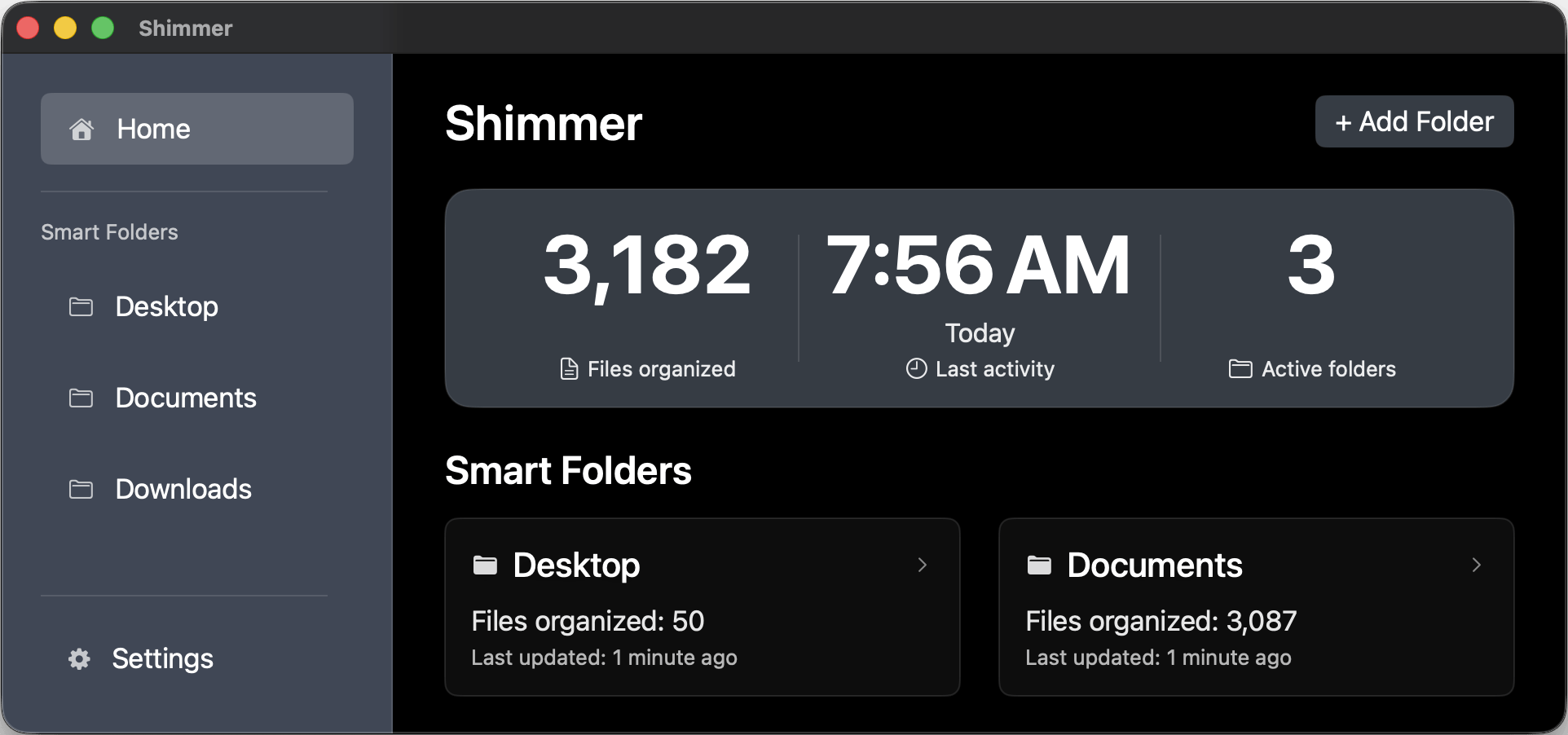
Shimmer watches the folders you choose and automatically sorts new files, using only file names and metadata. Your files are never opened or read. Shimmer works using only file names and metadata, keeping your private data completely secure.
Runs locally. Never reads file contents. No subscriptions.
When you use Shimmer...
0.0 hours saved
Average time reclaimed each week
Based on workflows where Shimmer organized Desktop, Documents, and Downloads at the same time.
Unlimited sources
Storage locations supported
Desktop, Documents, Downloads, cloud sync folders, network shares and external drives.
100% privacy
No file contents are read
Classification relies on file names and metadata only; stored names purge automatically after 30 days.
New to Shimmer?
A fast before-and-after view so you can see what Shimmer does at a glance.
Install Shimmer, add your folders, and let it clean up automatically.
Folder system reinvented
The same organized structure, everywhere. Shimmer works identically across local folders, external drives, and cloud folders.
Never lose track of your latest work again.
Your newest files appear here first, so you can always find what you just worked on.
A place for files you control.
Files you place here are never renamed, moved, or analyzed, ever. You're in full control over your files and folder structure here.
Automatic organization, done for you
Shimmer continuously organizes your files using metadata and context, keeping everything structured without any setup.
Designed for real workflows
Every capability below is pulled directly from customer requests.
Shimmer only touches folders you explicitly approve. System folders stay excluded.
Shimmer guesses file types using names, extensions, and basic metadata only. It never reads file contents.
Shimmer finds true duplicates across every Smart Folder, even when file names differ. Different versions are flagged so you can choose what to keep.
Shimmer includes built-in updates that run securely in the background without getting in your way.
Compare the business model
Shimmer follows a buy-once model. Renew support only if you want the newest features or white-glove help.
Shimmer is a one-time purchase with optional renewals. Similar tools cost about $30 per month or $288 per year and do not offer a lifetime option.
Try the full product for 7 days. If you change your mind, you can undo Shimmer's file organization and restore your original folders.
Every purchase includes 12 months of updates and help. After that, the app keeps working and you only renew if you want more updates.
FAQ
Quick answers to the most common questions.
No. Shimmer never opens, reads, or uploads file contents.
All organization happens locally using file names and basic metadata only.
Pricing
Shimmer is a one-time purchase with optional renewals. Similar tools cost about $30 per month or $288 per year and do not offer a lifetime option.
$39
One-time purchase
One-time purchase for one Mac.
Ideal for one Mac where you want Desktop, Documents, Downloads, and other folders kept organized.
$79
One-time purchase
One-time purchase for up to 3 Macs.
Best for two or three Macs that each need their own setup and organization.
$139
One-time purchase
One-time purchase for one Mac, with lifetime updates.
Limited-quantity launch offer—once it's sold out, it won't be offered again.
Included support window: Personal and Team/Family plans include 12 months of updates and support. After that, Shimmer keeps working as-is and you only renew if you want new features. Lifetime plans include all future updates.
Need a closer look?
Perfect for detail-oriented buyers who want to see the full workflow before purchasing.
Ready when you are
Point it at Desktop, Documents, Downloads, your favorite sync folder or an external SSD. Then watch as Recents, Manual Library and Sorted Library bring order without invading privacy.